Installation
Kairo is a single binary with zero external dependencies (aside from Git for sync). It runs on macOS, Linux, and Windows.
Quick Install
macOS (Homebrew)
brew install programmersd21/kairo/kairo
Linux / macOS (Curl)
curl -fsSL https://raw.githubusercontent.com/programmersd21/kairo/main/scripts/install.sh | bash
Windows (PowerShell)
iwr -useb https://raw.githubusercontent.com/programmersd21/kairo/main/scripts/install.ps1 | iex
From Source (Go)
go install github.com/programmersd21/kairo/cmd/kairo@latest
First Run
After installing, simply run:
kairo
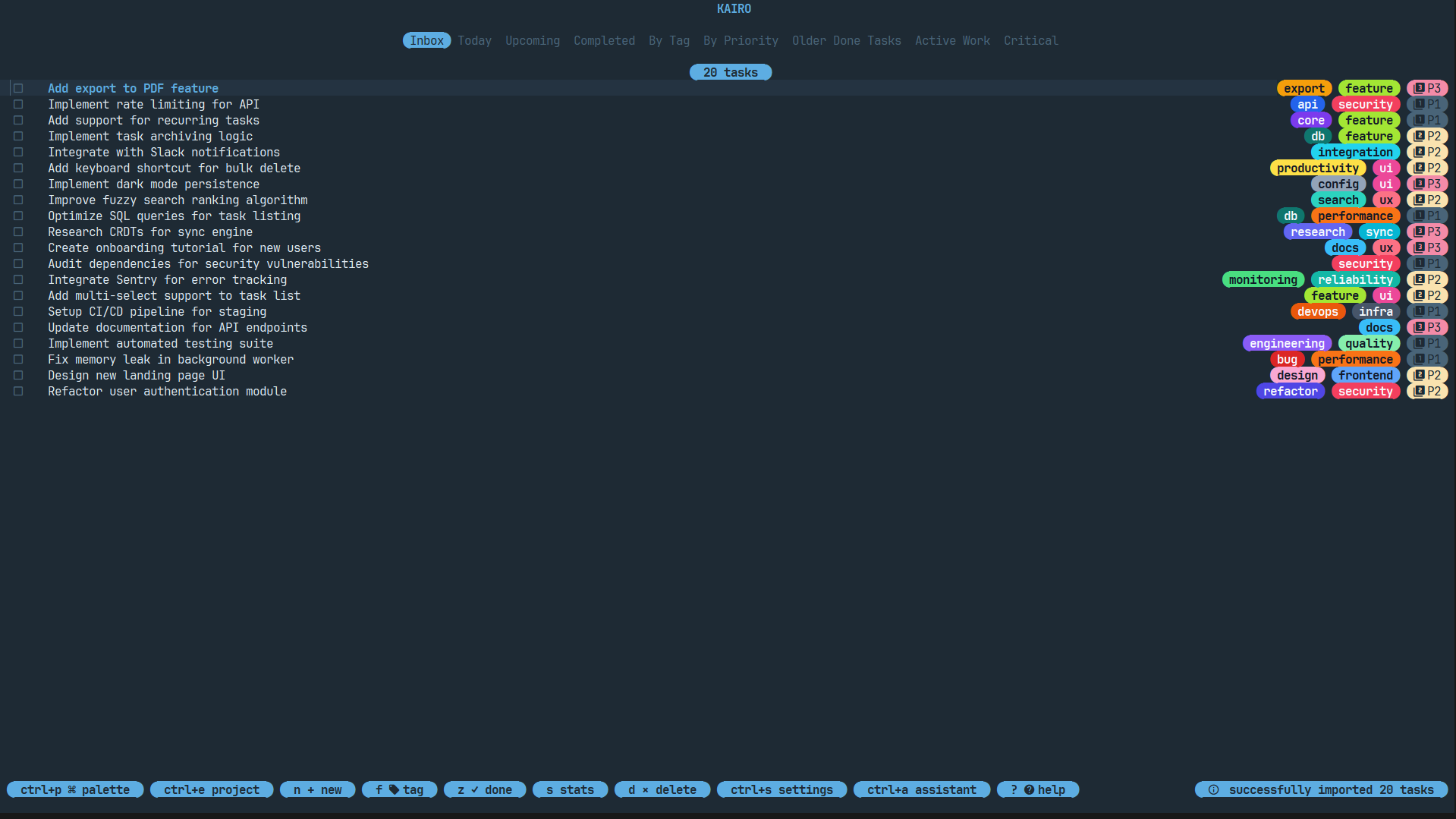
On your first run, Kairo will:
- Initialize a SQLite database in your application data directory.
- Create a default
config.toml. - Launch the Welcome Tour.
Configuration Path
Kairo stores its configuration and database in the following locations:
- Linux:
~/.config/kairo/ - macOS:
~/Library/Application Support/kairo/ - Windows:
%APPDATA%\kairo\
Verifying Installation
To verify that Kairo is installed correctly, you can check the version:
kairo --version