Lua Plugins
Kairo features a powerful Lua-based plugin system that allows you to hook into task events and automate your workflow.
Getting Started
Plugins are .lua files stored in your plugins/ directory (located in the same parent directory as your config.toml).
Anatomy of a Plugin
Every plugin should return a table containing its metadata:
local plugin = {
    id = "auto-tagger",
    name = "Auto Tagger",
    version = "1.0.0"
}

-- Your logic here

return plugin
The kairo API
Kairo exposes a global kairo module to Lua scripts.
Task Operations
kairo.create_task(table): Creates a task.kairo.get_task(id): Retrieves a task by ID.kairo.list_tasks(filter): Returns an array of tasks.kairo.update_task(id, patch): Updates a task.kairo.delete_task(id): Deletes a task.
Event Hooks
Register listeners for app-wide events:
kairo.on("task_create", function(event)
    kairo.notify("New task created: " .. event.task.title)
end)
Supported events:
task_createtask_updatetask_deletetask_completeapp_startapp_quit
Notifications
kairo.notify(message, is_error): Shows a notification in the Kairo UI.
Example: Auto-Cleanup
Delete completed tasks that are older than 7 days:
kairo.on("app_start", function()
    local tasks = kairo.list_tasks({statuses={"done"}})
    for _, t in ipairs(tasks) do
        -- Logic to check date and delete
    end
end)
Managing Plugins
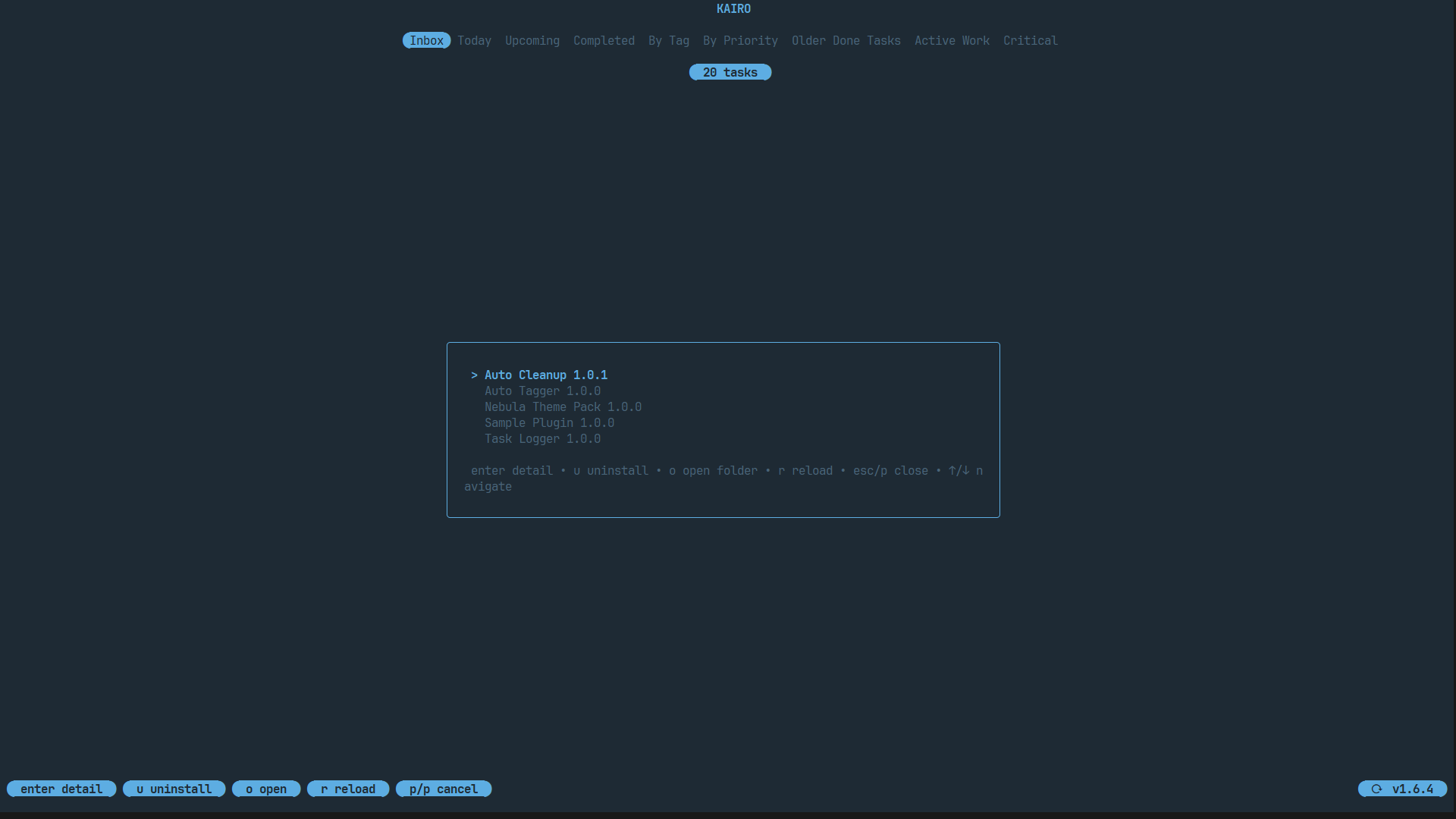
Press p in Kairo to open the Plugin Manager. Here you can:
- See all installed plugins.
- Toggle plugins on/off.
- Reload the Lua engine without restarting Kairo.