Tasks
The fundamental unit of organization in Kairo is the Task. Every task is designed to capture the essence of what needs to be done with minimal friction.
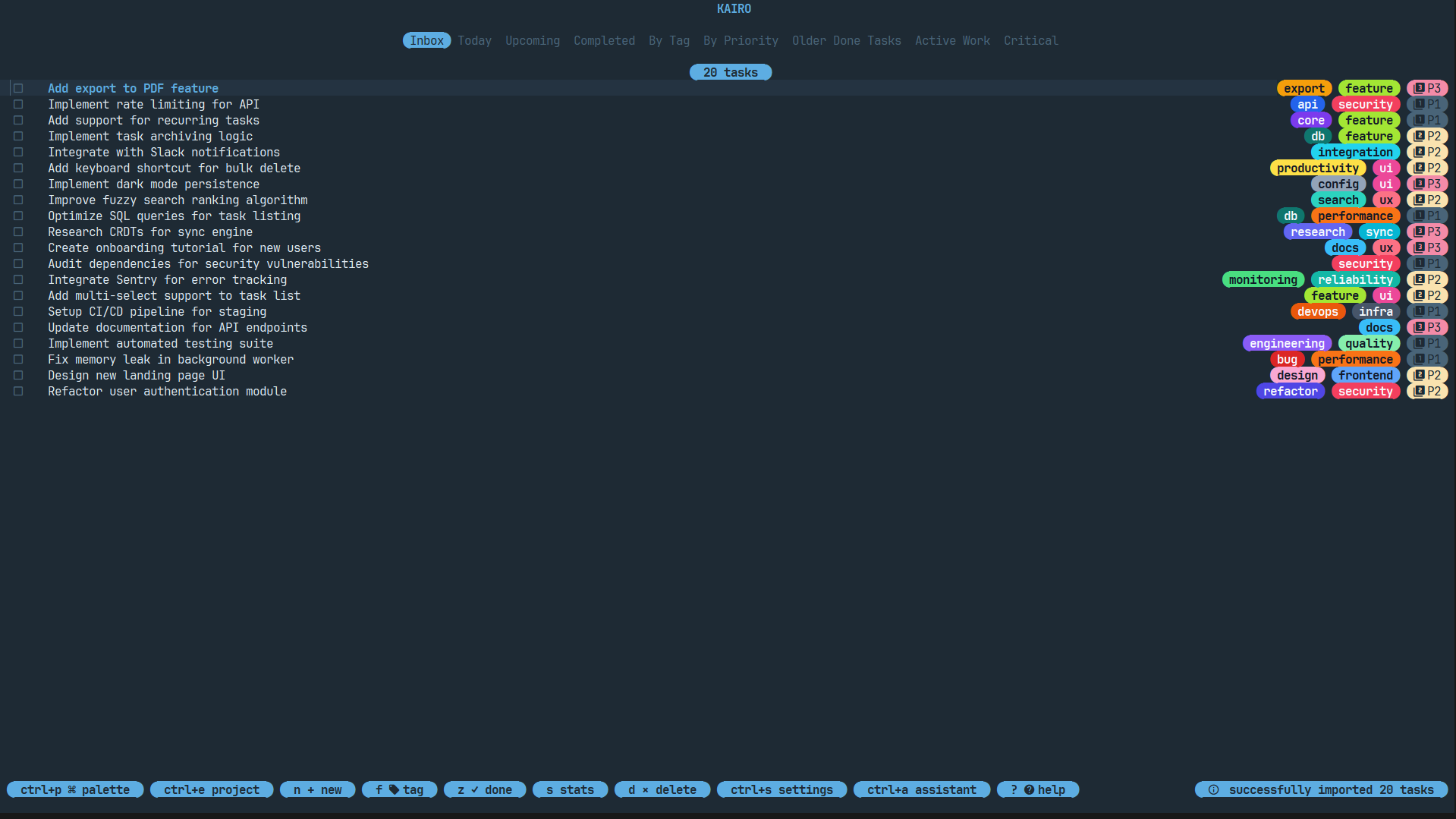
Task Fields
A task in Kairo contains the following fields:
| Field | Description |
|---|---|
| Title | A short, descriptive name for the task. |
| Description | Detailed notes, supporting Markdown. |
| Status | todo, doing, or done. |
| Priority | 0 (Critical), 1 (High), 2 (Medium), 3 (Low). |
| Tags | Comma-separated labels for categorization. |
| Due Date | An optional deadline (supports natural language). |
| Project | The project this task belongs to. |
| Parent | For nested tasks, the ID of the parent task. |
| Result | A completion note or countermeasure documenting the outcome. |
Creating & Editing Tasks
Press n from the main list view to open the task editor for a new task, or e to edit an existing one.
- Use
Tab/Shift+Tabto navigate between fields. - Pro Tip: Press
Enteron the Project field to select from existing projects. - Press
ctrl+sto save. - Press
Escto cancel.
Natural Language Deadlines
Kairo features a powerful NLP engine for deadlines. You can type:
tomorrow 10amnext fridayin 2 daysend of monthmon 3pm
Status Management & Completion Notes
You can quickly change task status from the list view:
- Press
zto open the interactive status selection popup, where you can choose fromtodo,doing, ordone. - Selecting Done will prompt you for a Result note (completion note / countermeasure).
- Selecting Todo or Doing updates the task immediately without prompting.
- You can also edit the result note by pressing
zon a completed task and selecting Done again. - Tasks in
doingstate are highlighted to indicate active focus.
Bulk Actions
Select multiple tasks using Space and perform actions on all of them at once (e.g., complete, delete).