CLI API
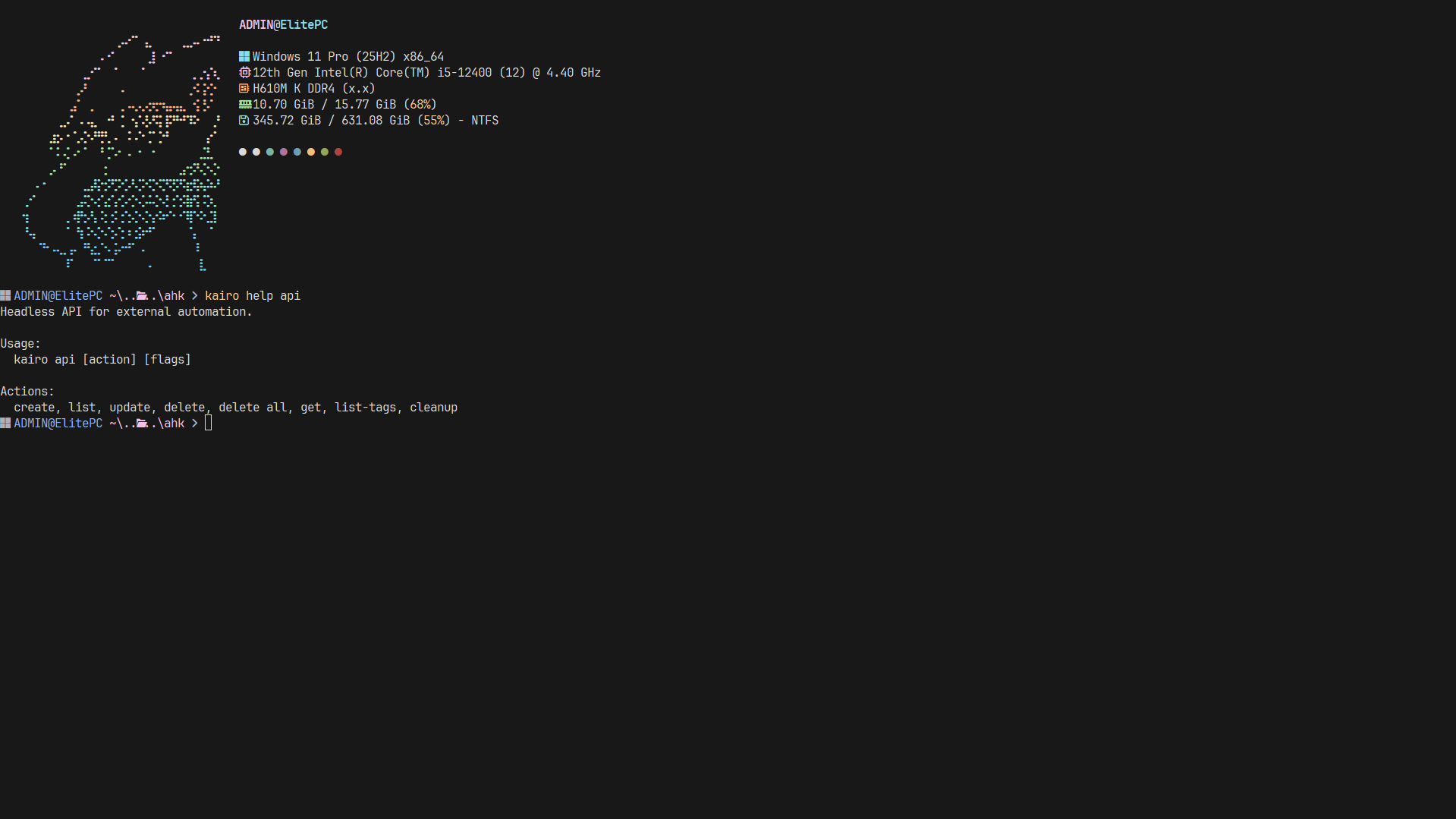
Kairo exposes a headless API via its CLI, making it perfect for shell scripts, cron jobs, and integration with other terminal tools.
Base Command
All API calls are performed through the kairo api command.
kairo api [action] --payload 'json_payload'
Actions & Payloads
create
Create a new task.
kairo api create --payload '{"title": "Automated task", "priority": 1}'
list
List tasks with filters.
kairo api list --payload '{"statuses": ["todo"], "tags": ["work"]}'
update
Modify an existing task.
kairo api update --payload '{"id": "TASK_ID", "status": "done"}'
delete
Remove a task.
kairo api delete --payload '{"id": "TASK_ID"}'
export
Export tasks to various formats.
kairo api export --payload '{"format": "json"}'
JSON Schema (TaskDTO)
When interacting with the API, tasks are represented by the following JSON structure:
{
  "id": "string",
  "title": "string",
  "description": "string (optional)",
  "tags": ["string"],
  "priority": number (0-3),
  "status": "todo | doing | done",
  "deadline": "RFC3339 string (optional)",
  "project": "string",
  "parent_id": "string (optional)",
  "created_at": "RFC3339 string",
  "updated_at": "RFC3339 string"
}
Real-world Examples
Weekly Review Script
Automatically export your completed tasks for the week to a Markdown file:
kairo api export --payload '{"format": "markdown"}' > review.md
Git Hook
Create a task in Kairo every time you push to a specific branch:
# In .git/hooks/pre-push
kairo api create --payload '{"title": "Review push to main", "tags": ["git"]}'