MCP Server
Kairo implements the Model Context Protocol (MCP), allowing AI agents (like Claude or Gemini) to interact with your local task database directly.
What is MCP?
MCP is an open protocol that enables LLMs to access local data and tools securely. By running the Kairo MCP server, you give your AI assistants a "brain" for your tasks.
Starting the Server
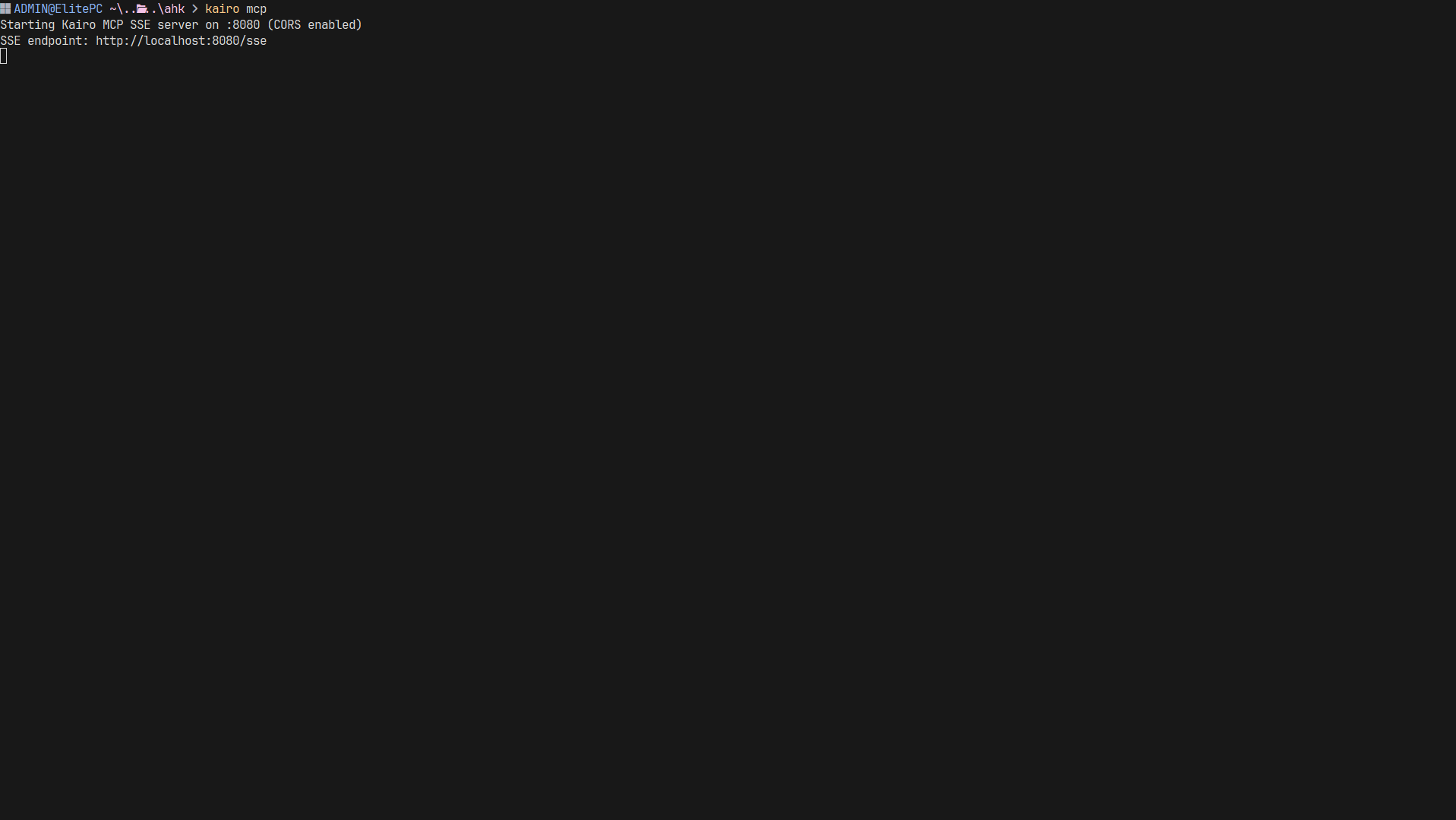
The MCP server is built into the Kairo binary. Start it with:
kairo mcp
Available Tools
The MCP server exposes several tools that agents can call:
kairo_create_task: Create a task with title, priority, tags, etc.kairo_list_tasks: Search and filter tasks.kairo_update_task: Modify task properties.kairo_get_task: Get detailed information about a specific task.kairo_delete_task: Remove a task.kairo_list_tags: Get all unique tags in use.
Resources
The server provides a primary resource:
tasks://all: A real-time JSON stream of all tasks in your database. Agents can use this to get a full overview of your current workload.
Usage with AI Clients
Claude Desktop
Add Kairo to your claude_desktop_config.json:
{
  "mcpServers": {
    "kairo": {
      "command": "kairo",
      "args": ["mcp"]
    }
  }
}
Gemini CLI
Kairo's MCP server is fully compatible with any client that supports the Model Context Protocol.
Security
- Local Only: The MCP server only listens on your local machine.
- Explicit Access: AI agents can only access your data if you connect them to the Kairo MCP server.
- Read/Write Control: Agents can perform any action exposed by the tools, giving them full but scoped control over your task list.