Search & Shortcuts
Kairo is designed for keyboard power users. It features sub-millisecond fuzzy search and extensive Vim-inspired shortcuts.
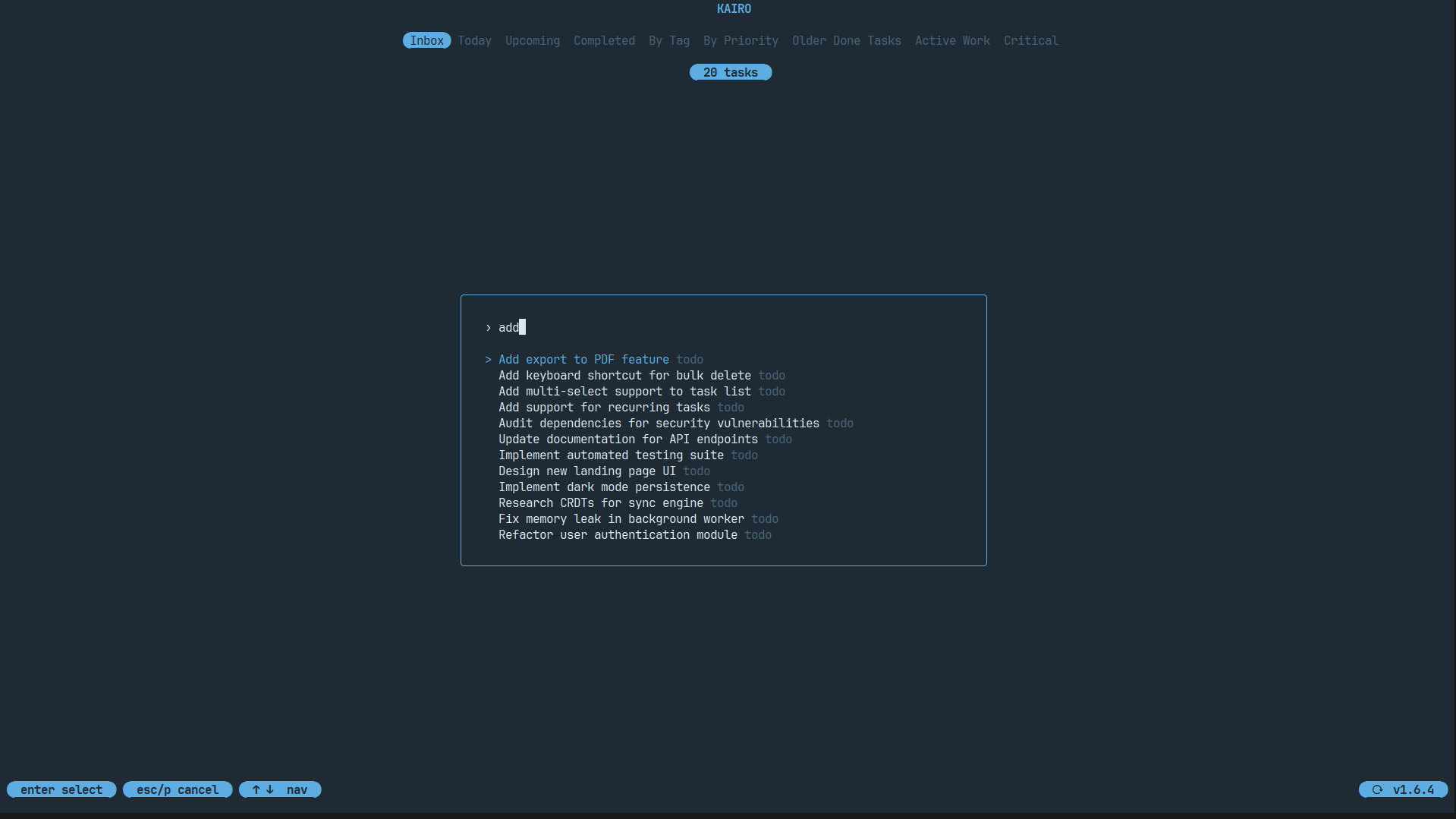
Fuzzy Search
Start typing anywhere in the list view to begin searching.
- Title Search: Matches against task titles.
- Tag Filtering: Press
ctrl+fto filter specifically by tag. - Instant Result: The list updates in real-time as you type.
Navigation Shortcuts
| Key | Action |
|---|---|
j / Down | Move cursor down |
k / Up | Move cursor up |
gg | Jump to top |
G | Jump to bottom |
Space | Select task / Toggle collapse |
Enter | Edit selected task |
Action Shortcuts
| Key | Action |
|---|---|
n | Create new task |
e | Edit task |
D | Duplicate task |
z | Mark as complete |
dd | Delete task (requires confirmation) |
u | Undo last action |
ctrl+r | Redo last undone action |
Command Palette
Press ctrl+p to open the Command Palette. This is the quickest way to access deep features without memorizing every shortcut.
Search for commands like:
Change ThemeExport to MarkdownSwitch ProjectOpen SettingsManage Plugins
Global Shortcuts
| Key | Action |
|---|---|
s | Toggle Momentum Dashboard |
f | Toggle Focus Engine |
t | Switch Theme |
ctrl+s | Open Settings |
? | Open Help Menu |
q | Quit Kairo |