Undo & Redo
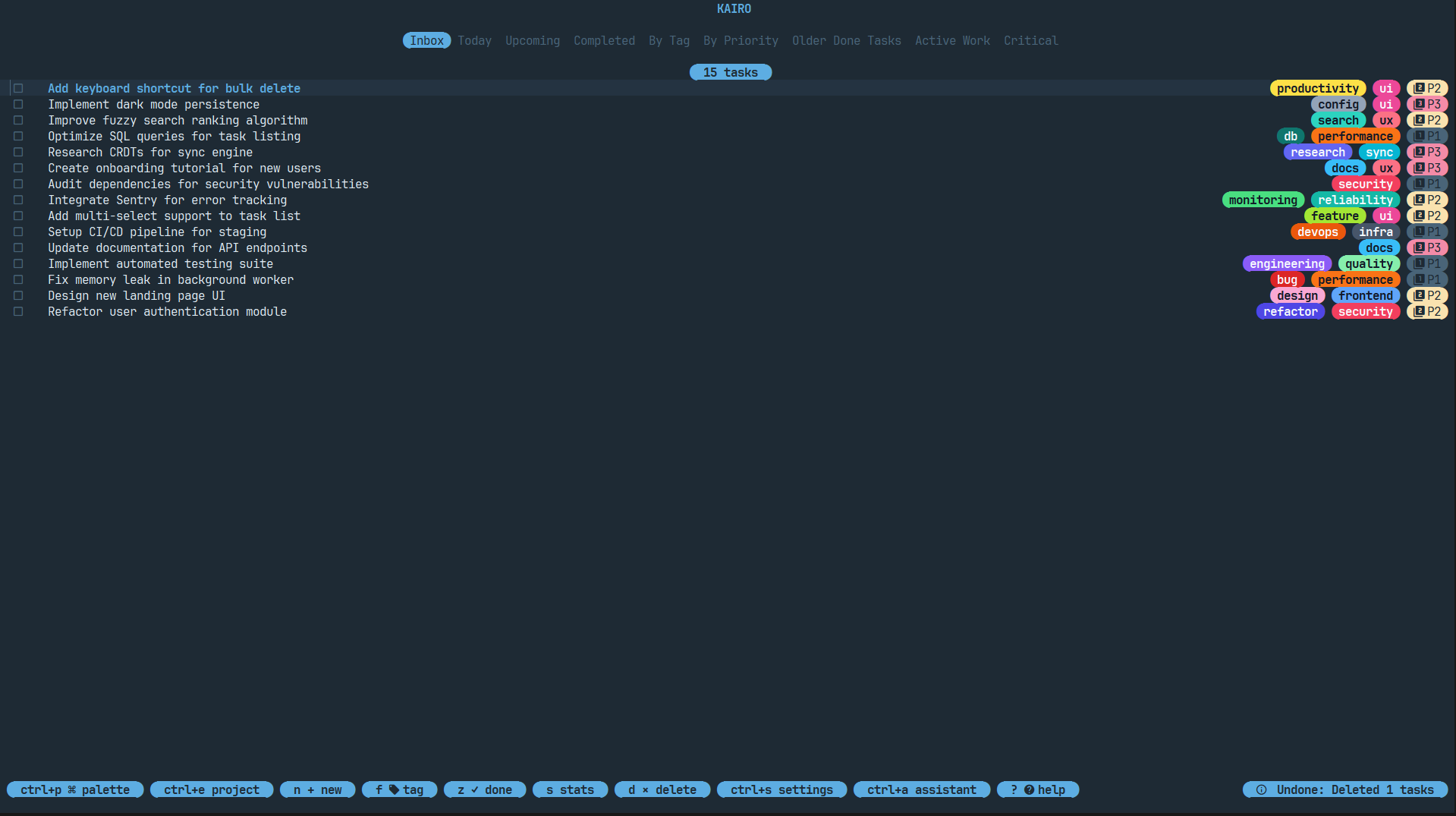
Mistakes happen. Kairo includes a built-in history engine that allows you to instantly reverse actions.
How it Works
Kairo tracks every state-changing action in a local history stack. This includes:
- Task creation.
- Task deletion (single and bulk).
- Task editing.
- Status changes (e.g., marking as complete).
- Project assignments.
Usage
- Undo: Press
ctrl+zoruto reverse the last action. - Redo: Press
ctrl+yorctrl+rto re-apply the last undone action.
Scope
History is persistent within the current session. If you accidentally delete a complex hierarchy of tasks, a simple ctrl+z will restore all of them, along with their relationships and metadata.
Database Sync
The history engine is synchronized with the SQLite database. When you perform an undo, Kairo doesn't just change the UI; it reverts the data in the database, ensuring your single source of truth remains accurate.